
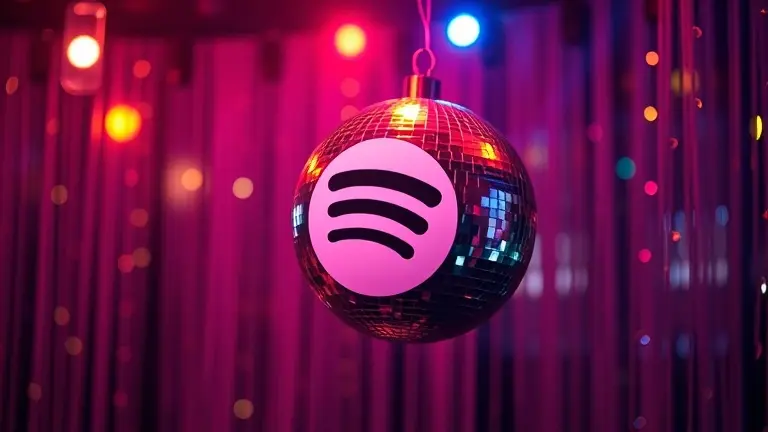
If you opened your phone this morning only to find the familiar green Spotify logo replaced by a shimmering disco ball, you are not alone. Across social media, millions of users have been left baffled, with many fearing their accounts were compromised or that the app had been hacked. The truth, however, is much more celebratory: this is an intentional, temporary UI update from Spotify to mark the launch of their 2026 global retrospective campaign. Rather than a security breach, the disco ball icon serves as a gateway to your personal musical history, designed to turn your listening habits into a curated, interactive party.
This campaign is all about reflection, nostalgia, and the unique soundtracks that defined your recent life. While the initial confusion is understandable, the temporary skin is your ticket to a deep dive into the songs that shaped your year. In this guide, we will clear up the mystery behind the new Spotify logo, explain how you can access your exclusive retrospective data, and show you how to ensure you are getting the most out of this immersive experience without worrying about your account security.
Why Is My Spotify Icon a Disco Ball? The May 2026 Update Explained

If you recently opened your mobile device to find the iconic green waves replaced by a shimmering disco ball, you are not alone. Across social media platforms like Threads and X, thousands of users have been asking, “why is Spotify a disco ball today?” This sudden shift in the Spotify logo has triggered widespread confusion, leading many to worry that their application has been hacked, compromised by malware, or otherwise tampered with. We can confirm that your account is perfectly safe; this is an official, temporary UI change implemented by the Spotify development team.
Understanding the May 2026 Campaign
In May 2026, Spotify launched a major marketing campaign centered around a deep-dive “Music Retrospective” theme. By updating the app icon to a spotify disco ball icon, the company aims to signal a celebratory and party-focused tone to its global user base. This initiative is designed to encourage listeners to engage with their personalized data summaries, which reflect on past listening habits, favorite genres, and top-streamed artists from recent years.
Is This a New Spotify Logo?
It is critical to distinguish between a permanent brand overhaul and a promotional skin. Despite the discourse surrounding the spotify new logo, this is strictly a temporary promotional graphic. There has been no official change to the brand’s long-term visual identity. Companies frequently utilize temporary app icon skins to boost engagement during specific marketing events. Key takeaways regarding this update include:
- Security: Your account is not compromised; the change is pushed directly via a legitimate app update.
- Functionality: The disco ball icon is simply a portal to the “Music Retrospective” feature, which you can access by tapping the icon or checking the “Home” tab.
- Permanence: The standard green icon is expected to return automatically once the promotional campaign concludes.
Rather than looking for ways to “revert” the icon, we recommend exploring the retrospective features, as they offer unique insights into your personal musical evolution. The temporary skin is merely a festive invitation to celebrate your listening history.
What Does the Spotify Disco Ball Represent?
If you recently opened your phone to find that the iconic green sound waves have been replaced by a shimmering orb, you are not alone. The shift to a disco ball icon is not a permanent rebranding of the Spotify logo, nor is it a sign of a compromised account. Instead, this temporary visual change serves as a marketing centerpiece for Spotify’s 2026 “Retrospective” campaign. By swapping the traditional new Spotify logo for this celebratory graphic, the platform aims to signal that your personalized, data-driven musical history is ready for viewing.
Why a Disco Ball? The Strategy of Nostalgia
The choice of a disco ball is intentional, designed to evoke feelings of celebration, dance, and communal joy. Much like the popular “Wrapped” features that have become a digital cultural phenomenon, this retrospective campaign treats your individual listening history as a VIP event. Spotify is effectively gamifying your personal data, encouraging users to treat their past year of streaming as a “party” worth revisiting.
Key aspects of this celebratory branding include:
- Interactive Storytelling: The icon serves as a gateway to dynamic, shareable visualizations of your top genres, artists, and hidden listening habits.
- Social Engagement: By emphasizing a “party” theme, Spotify encourages users to share these visual summaries across platforms like Instagram, TikTok, and X (formerly Twitter), driving organic brand awareness.
- Temporary UI Magic: Using a temporary Spotify disco ball icon creates a sense of urgency, signaling that the retrospective summaries are only available for a limited window of time.
This strategy transforms a mundane data summary into a high-energy interactive experience. While the social media discourse—often highlighting that the Spotify new logo aesthetic has been “torn to shreds”—focuses on the design itself, the underlying intent is to deepen user connection through nostalgia. The company is leaning into the idea that music is not just consumption, but a shared social record that deserves a celebratory, limited-time tribute.
How to Access Your Spotify Retrospective Summary
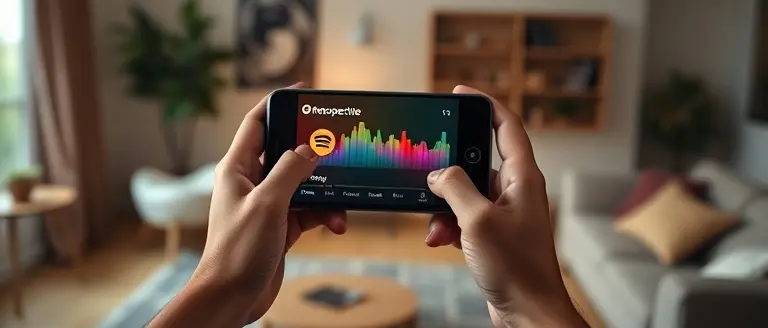
If you are wondering why is Spotify a disco ball on your home screen, you can rest assured that your account is secure. This temporary spotify disco ball icon is part of a festive, limited-time marketing campaign designed to highlight your personal listening history. Rather than a permanent rebranding, this spotify new logo skin serves as a direct gateway to your personalized “Retrospective” data hub. Accessing your insights is straightforward and provides a detailed breakdown of your musical preferences over the past year.
Step-by-Step Guide to Your Data
To view your summary, follow these steps to ensure you do not miss out on the celebratory experience:
- Open the App: Ensure your application is updated to the latest version. The spotify logo will appear as the disco ball on your device home screen.
- Locate the Home Feed: Once logged in, look for the “Retrospective” banner positioned at the very top of your “Home” tab. It is typically highlighted with vibrant, celebratory colors.
- Enter the Hub: Tapping this banner will launch the immersive “Retrospective” hub, where you can view your top artists, most-played genres, and total listening minutes.
- Share Your Results: Once you finish reviewing your stats, Spotify provides integrated share buttons. You can export these cards directly to your Instagram Stories, X (formerly Twitter), or other social media feeds to compare your results with friends.
This feature is designed to be highly interactive, mirroring the popular end-of-year features that fans frequently anticipate. If you have trouble finding the banner, navigate to the “Search” tab and look for the “Retrospective” shelf, which is being pinned to the top of the interface for the duration of this promotional event. This experience is entirely safe, and the icon will revert to the standard new spotify logo once the campaign concludes, confirming that there is no need for alarm regarding your account security.
Is Your Account Secure? Addressing the Viral Panic

If you opened your app recently and wondered, “why is spotify a disco ball,” you are certainly not alone. The sudden shift from the familiar green-and-black spotify logo to this festive, glittering aesthetic triggered an immediate wave of viral panic across platforms like Threads and X. Many users instinctively feared that their accounts had been compromised, hacked, or subjected to a malicious third-party skin. However, we can confirm that this change is an official, temporary marketing initiative and poses absolutely no threat to your account security.
Understanding Temporary UI Updates
Major technology platforms frequently roll out temporary interface modifications to promote seasonal events or new features. Unlike a permanent new spotify logo change—which would involve a total rebranding of the corporate identity—this disco ball icon is simply a “promotional skin” linked to the platform’s May 2026 retrospective campaign. Spotify utilizes these temporary overlays to drive user engagement toward specific data-driven experiences. Because the change is pushed directly through the official Spotify update servers, it is verified and safe.
How to Verify App Authenticity
If you remain concerned about the legitimacy of your application, there are several steps you can take to verify the update:
- Check Official Support Channels: Visit the official Spotify Twitter (X) account or their support status page. Spotify frequently posts updates regarding “limited-time” UI changes when they roll out significant campaigns.
- Inspect App Store Metadata: Check your Google Play Store or Apple App Store page. If the app requires an update, you will see a detailed changelog that mentions the temporary promotional theme.
- Monitor App Behavior: A truly compromised app would typically exhibit suspicious behavior, such as unauthorized login redirects or random ads. If your app functions normally and the “disco ball” simply leads to your personal music retrospective, it is functioning as intended.
- Ignore Third-Party Links: Never click on external links claiming to “revert” your icon. These are often phishing attempts. Official updates are managed exclusively through your device’s internal app store.
Rest assured, the current spotify disco ball icon is merely a celebratory digital wrapper. It does not indicate a security breach, nor does it require you to change your credentials. Simply enjoy the retrospective insights and wait for the icon to revert to the standard spotify new logo branding once the campaign concludes.
Unlock the Full Potential of Your Musical Memories
The Spotify disco ball is more than just a temporary icon; it is an invitation to engage with the neural pathways that connect your favorite songs to your most cherished memories. This retrospective experience is a rare opportunity to see how your subconscious preferences have tracked with the events of your life, proving that music is the ultimate anchor for personal recollection. While Spotify helps you curate the soundtrack of your past, there is an incredible opportunity to enhance the cognitive clarity you bring to the present moment.
Just as Spotify is helping you unlock the soundtracks of your past, you can optimize your brain’s ability to recall these moments and stay sharp with a simple, neuro-auditory routine. The Brain Song is the perfect companion to this retrospective journey, acting as a scientific complement that turns your daily listening into a brain-boosting session. By integrating targeted, neuroscience-based auditory stimulation into your routine, you are not just reminiscing—you are actively sharpening your cognitive function and memory retrieval skills.
Making The Brain Song a part of your daily habits allows you to sustain the focus and clarity you feel when listening to your favorite tracks, elevating the experience from passive consumption to active cognitive optimization. It is the ultimate tool for those who want to turn every listening session into a pathway for long-term mental sharpness.
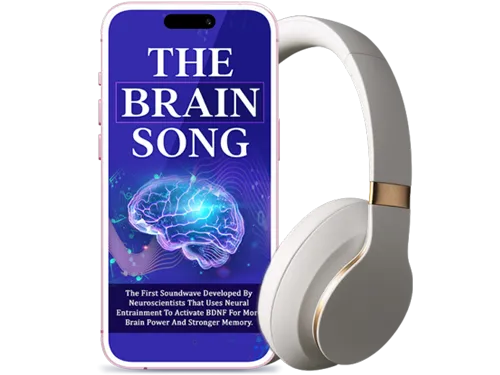 Ready to unlock more than just your music history? Discover how a 12-minute daily audio routine can sharpen your mind while you revisit your favorite Spotify moments.Sharpen My Mind Today!